
Largest Contentful Paint Element: How to Fix It (Step-by-Step Guide)
Website speed is no longer optional. It directly affects user experience, conversion rates, and search rankings. One of the most important performance metrics today is Largest Contentful Paint (LCP) — a core part of Google’s Core Web Vitals. If you want to understand how LCP, CLS, and INP work together as ranking signals, read our complete guide to Core Web Vitals in 2026.
If your report shows the warning “Largest Contentful Paint element”, you need to understand what it means and how to fix it properly.
This detailed guide explains:
What LCP actually measures
What counts as the LCP element
Why your LCP is slow
Largest Contentful Paint element how to fix (step-by-step)
Real, proven optimization methods
Everything below is based on Google’s official documentation and web performance best practices.
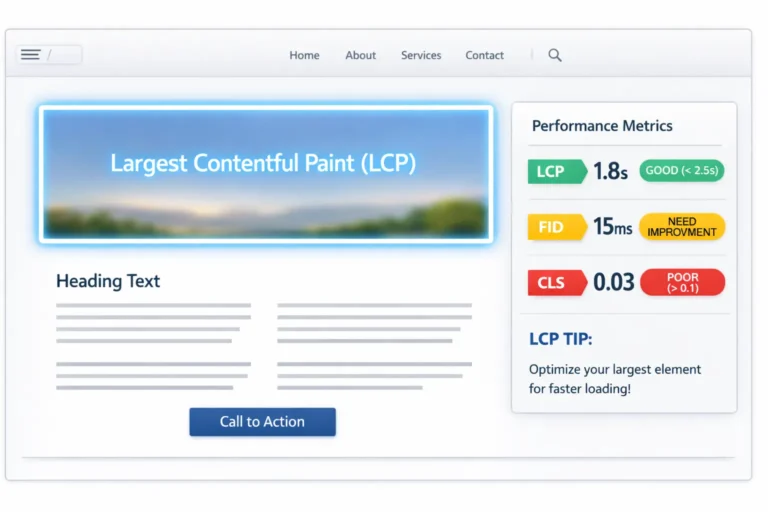
Table of Contents
What Is Largest Contentful Paint (LCP)?
Largest Contentful Paint measures how long it takes for the largest visible content element on the page to load.
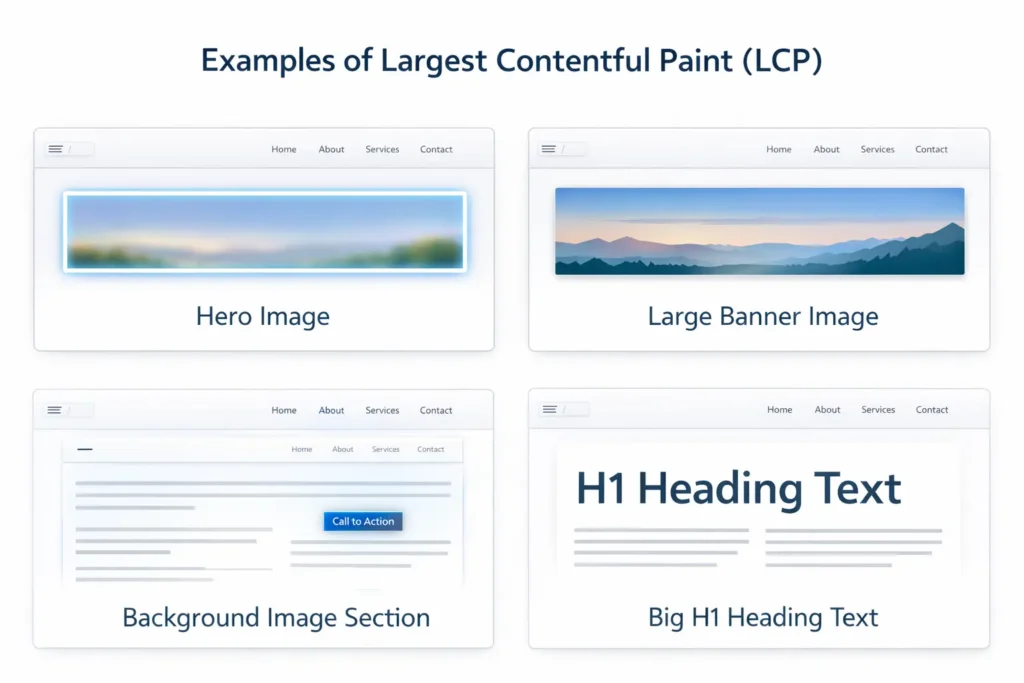
This usually includes:
A hero image
A large banner image
A background image
A big block of text (like an H1 heading)
Google measures LCP from the moment the page starts loading until that largest element becomes visible inside the viewport.
Good LCP Score According to Google
Good: 2.5 seconds or less
Needs Improvement: 2.5 – 4.0 seconds
Poor: Over 4.0 seconds
If your page crosses 2.5 seconds, optimization is required.
What Is the Largest Contentful Paint Element?
The LCP element is the largest visible element within the viewport when the page loads.
It can be:
<img>element<image>inside SVG<video>poster imageBackground image loaded via CSS
Block-level text elements
In most websites, the LCP element is the hero image at the top of the page.
Why Is Your LCP Slow?
Before fixing it, you must understand what causes poor LCP.
Google identifies four main causes:
1. Slow Server Response Time (High TTFB)
- If your server responds slowly, everything loads late.
2. Render-Blocking Resources
- CSS and JavaScript files that block rendering delay LCP.
3. Large Images
- Uncompressed images increase loading time.
4. Client-Side Rendering
- Heavy JavaScript frameworks may delay rendering.
Now let’s move to the practical solution.
Largest Contentful Paint Element: How to Fix It
Below is a structured, proven method to improve LCP.
Step 1: Identify the LCP Element
Use:
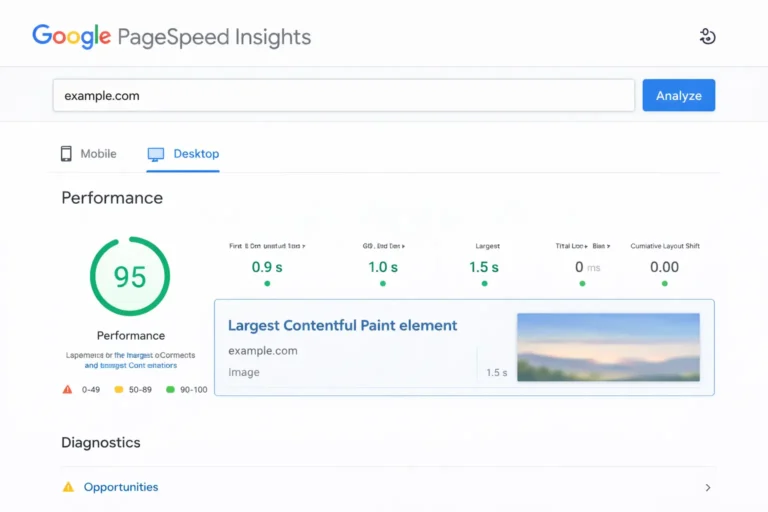
Google PageSpeed Insights
Lighthouse (Chrome DevTools)
In the report, look under:
“Largest Contentful Paint element”
It will show the exact element causing delay.
You must optimize that specific element — not random parts of the page.
Step 2: Optimize the LCP Image
If your LCP element is an image, follow these steps:
✔ Compress the Image
Use modern formats:
WebP
AVIF
These provide smaller file sizes compared to JPEG or PNG.
✔ Resize Properly
Do not upload a 3000px image if it displays at 1200px.
Match the image dimensions to the container size.
✔ Serve Responsive Images
Use srcset and sizes attributes so browsers load the correct size.
Step 3: Preload the LCP Element
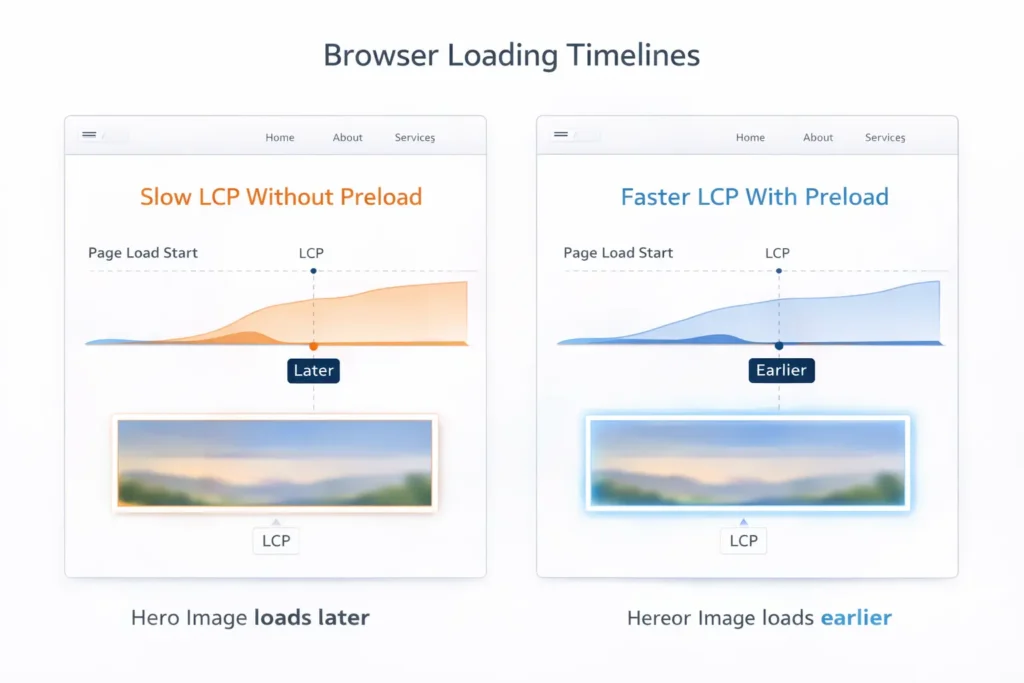
If the browser discovers the LCP image too late, it delays loading.
Use:
<link rel=“preload” as=“image” href=“hero-image.webp”>
“Load this image immediately.”
This significantly reduces LCP time.
Step 4: Remove Lazy Loading from LCP Image
Lazy loading is good — but not for the LCP element.
If your hero image has:
loading=”lazy”
LCP images should load immediately, not lazily.
Step 5: Reduce Server Response Time (TTFB)
High Time To First Byte increases LCP.
To fix:
Use fast hosting
Enable server-level caching
Use a CDN
Upgrade PHP version (for WordPress users)
A faster server improves overall performance.
Step 6: Eliminate Render-Blocking CSS and JS
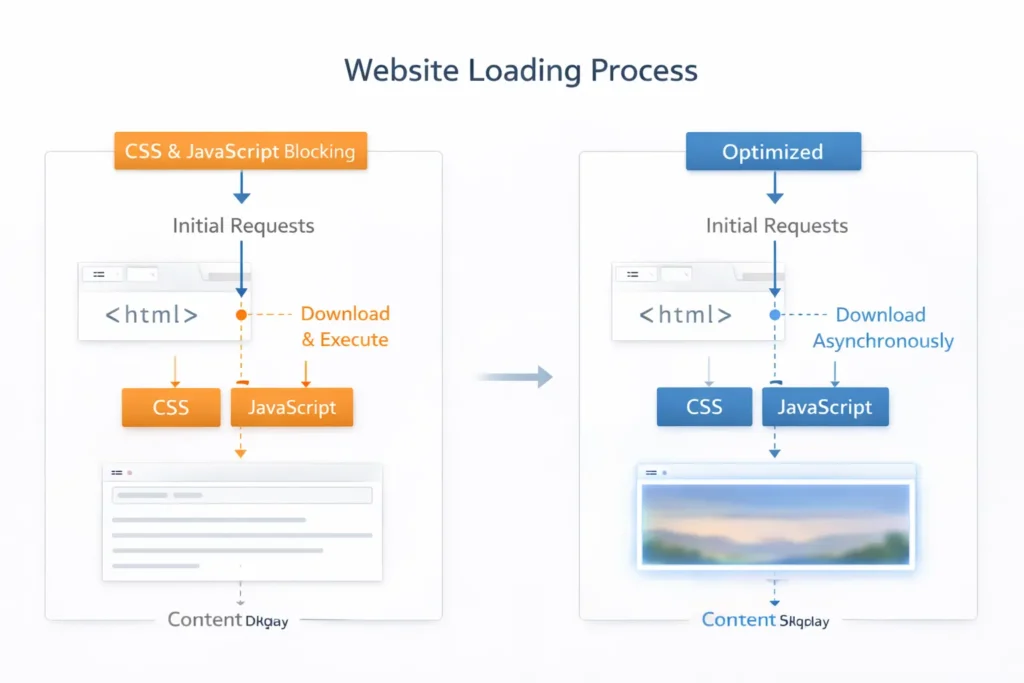
Heavy CSS and JavaScript delay rendering.
Fix this by:
Minifying CSS and JS
Deferring non-critical JavaScript
Removing unused CSS
Using critical CSS
Critical CSS ensures above-the-fold content loads first.
Step 7: Optimize Fonts
If your LCP element is text, web fonts may cause delay.
To fix:
Use
font-display: swapPreload important fonts
Reduce font weights
Example:
					</> css

@font-face {
  font-display: swap;
}
This prevents text from staying invisible while fonts load.
Step 8: Avoid Large Background Images in CSS
If your hero section uses a CSS background image:
					</> css
background-image: url("hero.jpg");
Browsers discover it late because it loads after CSS.
Instead:
Use an
<img>tag where possibleOr preload the background image
Background images often cause LCP load delay.
Step 9: Improve Mobile LCP
Mobile networks are slower.
To optimize:
Reduce image size further
Use adaptive images
Avoid heavy animations
Reduce third-party scripts
Mobile performance affects rankings more than desktop.
Common LCP Issues and Fixes
Here are frequent warnings and solutions:
“Largest Contentful Paint image was lazily loaded”
Fix: Remove lazy loading from that image.
“Largest Contentful Paint element is text”
Fix:
Optimize fonts
Reduce render-blocking CSS
Improve server response
“Largest Contentful Paint element image”
Fix:
Compress image
Preload it
Remove lazy loading
“Largest Contentful Paint load delay”
Fix:
Preload image
Reduce CSS blocking
Remove heavy JS
WordPress Users: Special Optimization Tips
If you use WordPress:
Use performance plugins with CSS/JS optimization
Disable lazy loading for the hero image
Enable object caching
Optimize images before uploading
Many themes add heavy sliders — avoid them for better LCP.
How to Measure LCP After Fixing
Always retest using:
Google PageSpeed Insights
Chrome Lighthouse
Real-user data (Core Web Vitals report in Search Console)
Lab results may differ from real-world results. Focus on real user data for accurate performance measurement.
Conclusion
Fixing the Largest Contentful Paint element is not complicated when you follow a structured process.
Most websites struggle with LCP because of:
Heavy hero images
Poor hosting
Render-blocking CSS and JavaScript
Improper lazy loading
By identifying the exact LCP element and optimizing it directly, you can significantly improve loading speed, user experience, and search rankings.
If your goal is better performance, higher conversions, and stronger SEO results, optimizing LCP should be your top priority.